Imagine your laptop or external hard drive suddenly dies today. How many photos, videos and important files would you lose?
As a content creator, I shoot a crazy amount of footage every week. That's before family photos, vlogs, work documents and client files. I used to rely on external hard drives and cloud storage too. A drive dies, the data's gone. Cloud storage keeps filling up, you have to upgrade, and the monthly subscription keeps getting pricier.
So I tried the UGREEN NASync DH4300 Plus, a 4-bay NAS I use as my own cloud storage at home. Here's my full review, and my video review is right below.

What is a NAS?
NAS stands for Network Attached Storage. Simply put, think of an external hard drive, but a much more efficient version.
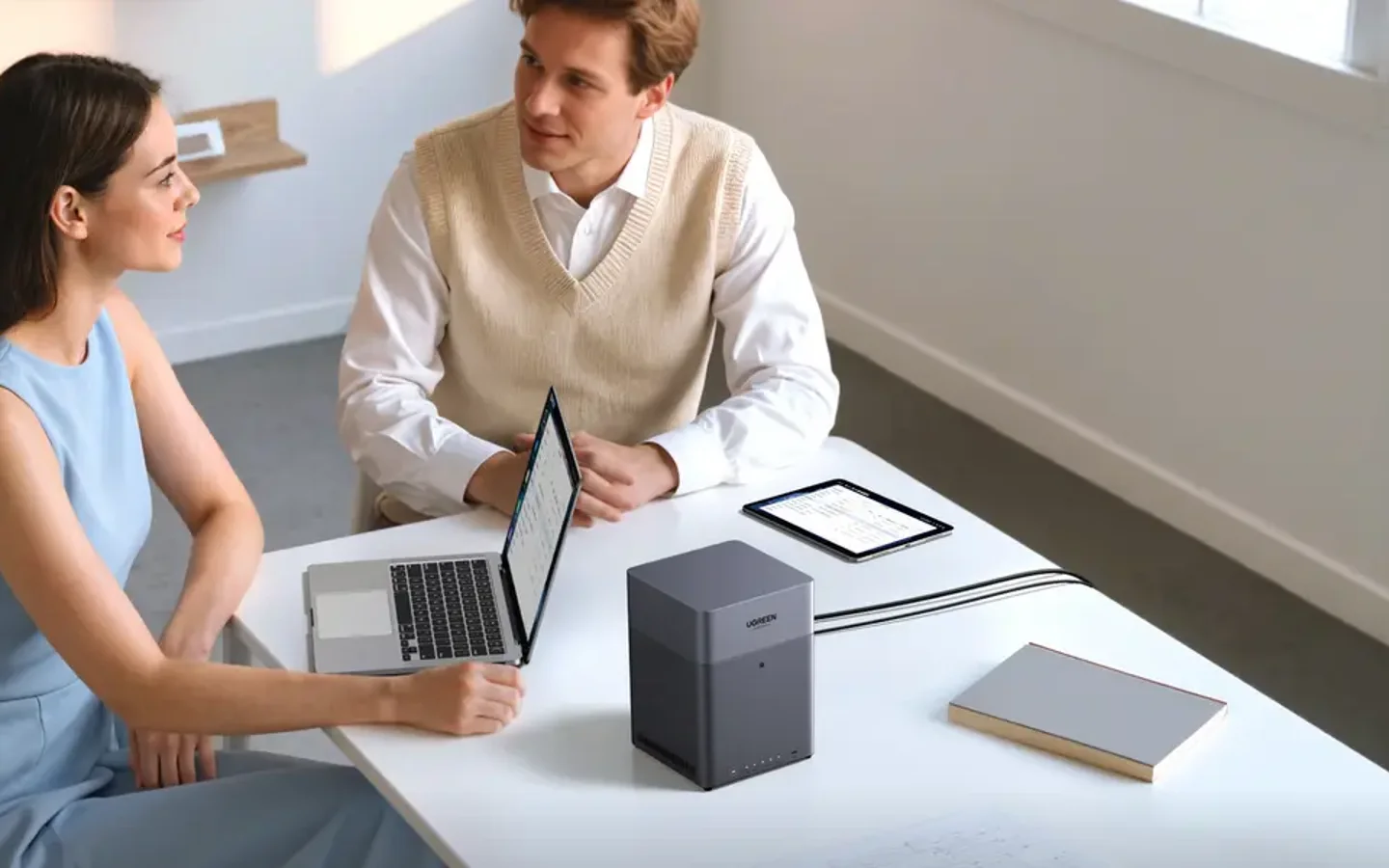
An external drive has to be plugged into a computer. To use it on another computer, you unplug it and plug it in again. Using it on a phone is even harder. A NAS connects straight to your home or office network, so your MacBook, Windows PC, iPhone, Android and tablet can all access the same storage without unplugging anything.
NAS vs cloud storage
Here's the analogy I like: Google Drive or iCloud is like renting. You pay every month, storage has a limit, and if you stop paying, your data can be affected.
A NAS is like owning your own house. Everything stays in your own home, there's no monthly rent, and you hold the keys. Storage full? Just add a bigger hard drive. That's why lots of content creators, photographers, videographers and small businesses are moving to NAS.
Unboxing and design
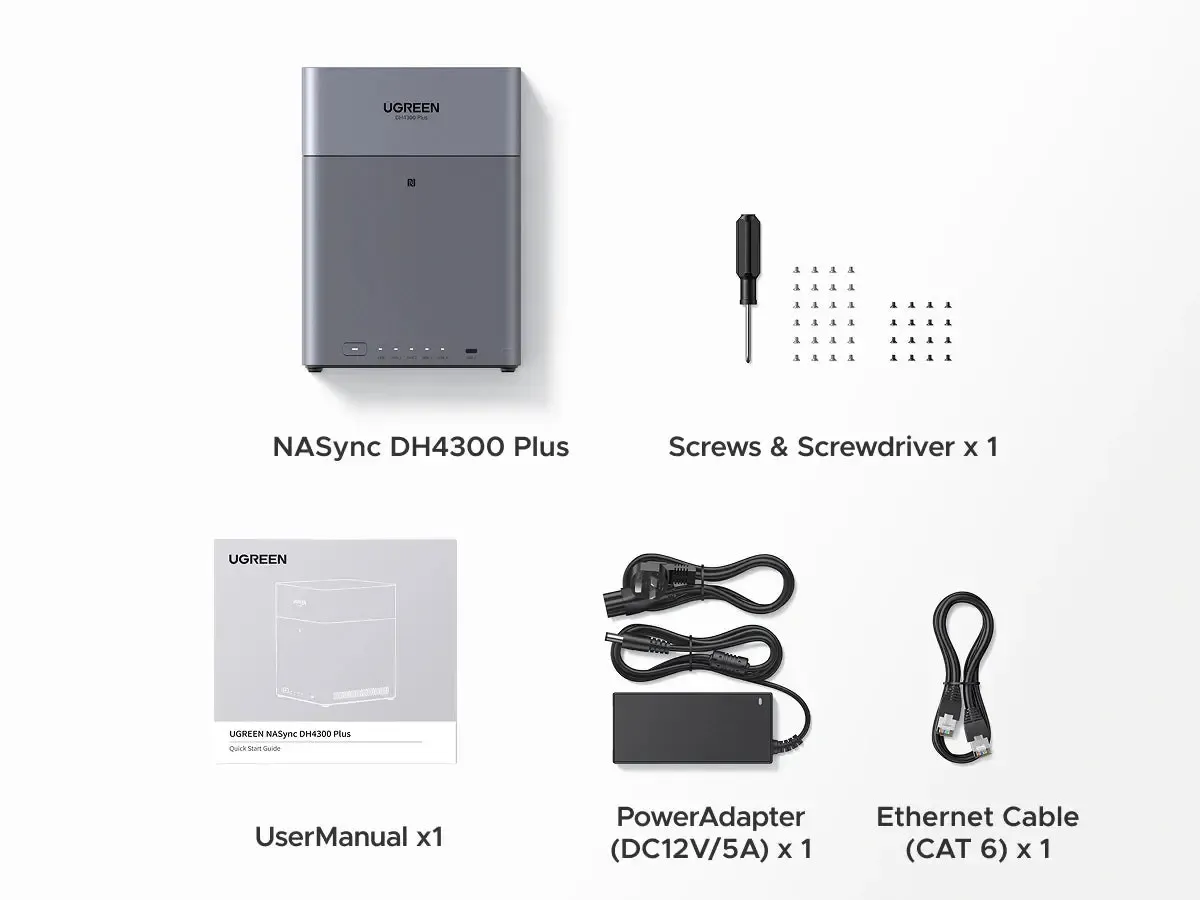
The packaging is neat. My unit's box included:
- UGREEN NASync DH4300 Plus
- Power adapter and power cable
- LAN cable
- Small screws and a screwdriver
- HDMI cable
- User manual
It also comes with a 2-year warranty.
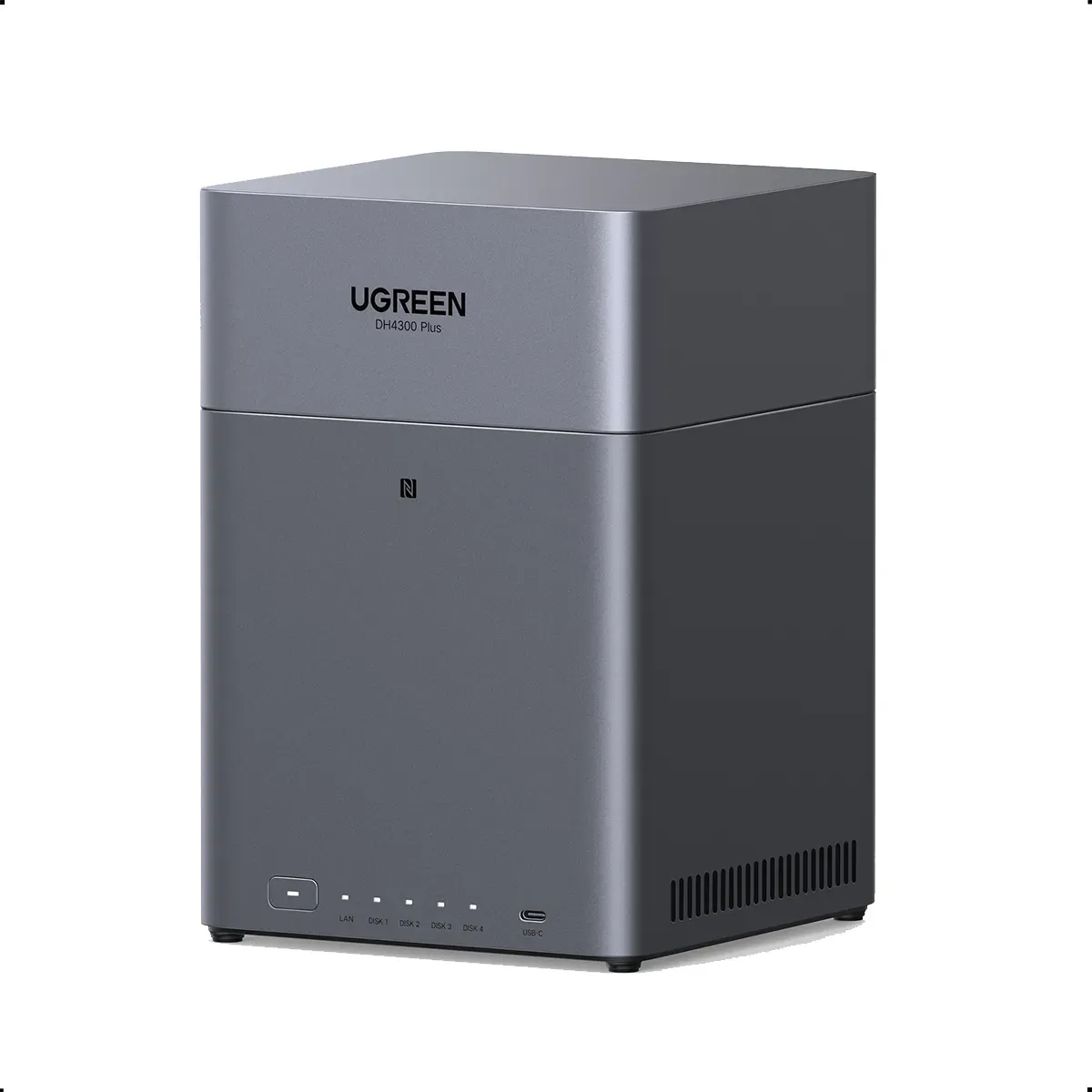
The design is simple and minimalist, and the build quality feels premium. The front has a power button, indicator lights and one USB-C port. The back has a cooling fan, one HDMI port, two USB-A ports, one LAN port, a reset hole and the power port.
Installing hard drives is easy
One important thing: this NAS is sold without hard drives (diskless), so you buy drives separately. I use Seagate IronWolf, which is built for NAS. What I like is that UGREEN supports lots of third-party drives.
How to install:
- Open the front cover
- Pull out the tray
- Insert the hard drive in the correct position
- Screw it in for extra stability
- Slide it back in
You don't need to be an IT expert. All the drives were in within a few minutes.
First setup in under 10 minutes
Download the UGREEN NAS app, then follow the setup wizard step by step: create an account, name your NAS and choose the storage configuration. Even if you've never used a NAS before, it's really beginner-friendly. I finished setup in under 10 minutes.
Huge storage
When I made my video, UGREEN said the DH4300 Plus supports up to 120TB. The latest spec on UGREEN's official site now lists up to 128TB (4 x 32TB). According to UGREEN, that much storage can hold over 41 million photos, 80,000 movies or 125 million files.
It's really hard to fill. But if you make car content like me, or love recording family, travel and drone videos, storage this big really helps.
Transfer speed test
I tested with a video file of about 3GB. I uploaded it to cloud storage as usual, then transferred the same file straight to the UGREEN NAS over LAN. The transfer to the NAS was way faster.
For someone like me who copies footage from the camera after every shoot, that speed difference really helps. Faster transfers mean I can start editing sooner and finish work faster.
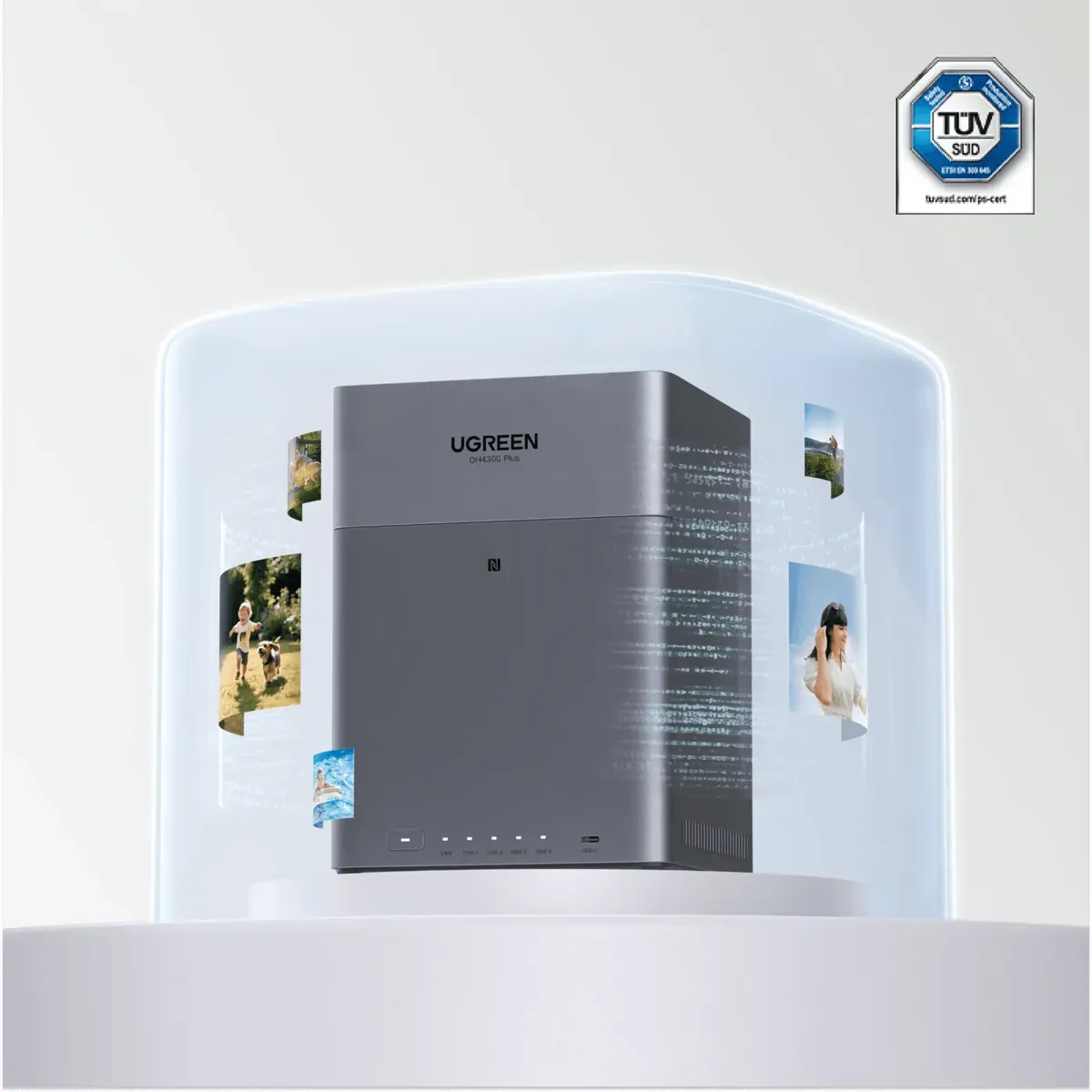
AI Photo: sorts your photos, processed inside the NAS
This is the feature I find most interesting. I uploaded around 200 photos, and the AI started organising them automatically:
- Recognises faces
- Sorts photos by location
- Recognises objects
- Finds duplicate photos
What I like most is that all this AI processing runs locally inside the NAS. Your photos aren't uploaded to an outside server to be processed. Privacy-wise, that's much safer. According to UGREEN, the chip has an NPU rated up to 6 TOPS for this AI work.
Access from Mac, Windows and phone
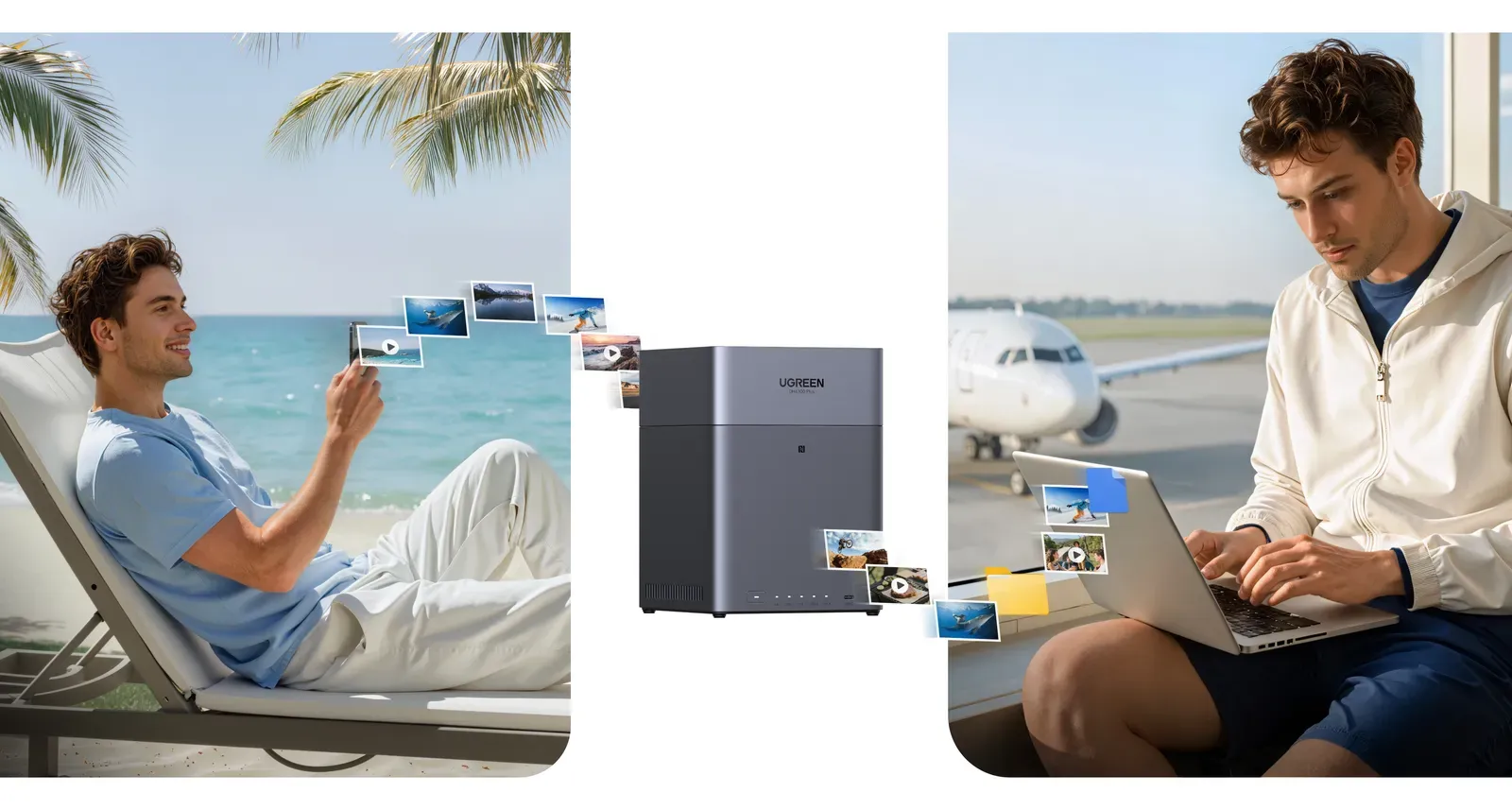
Once everything's on the NAS, I can open the same files on a MacBook, Windows, iPhone and Android. For example, I transfer footage from my camera at home, then go to the studio and still access the same files. Even while travelling, as long as there's internet.
Multi-user for family and office
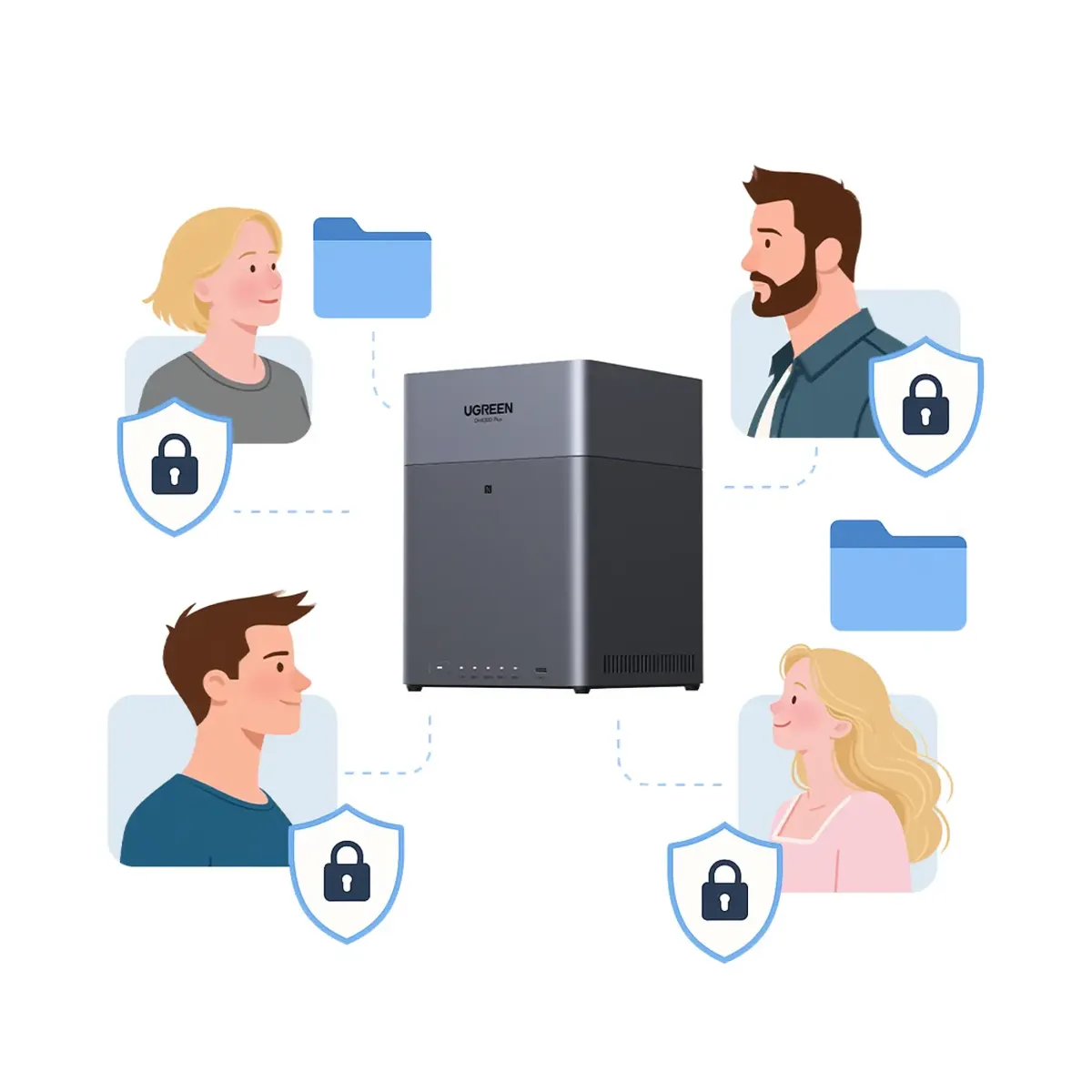
If your home has lots of family members, or your office has lots of staff, everyone can share one NAS. Each person gets their own account, and each account can get different permissions. For example, a folder only I can access, a folder the whole family can see, and a folder just for work.
NFC Direct Connection
One more neat feature: NFC Direct Connection. Just tap an NFC-enabled phone on the NAS, and logging in or connecting becomes quicker and easier. It looks simple, but it really helps beginners.
Quick specs
- Processor: Rockchip 8-core (ARM A76 + A55)
- RAM: 8GB LPDDR4X (not upgradeable)
- System storage: 32GB eMMC
- Bays: 4 x SATA (3.5" and 2.5"), diskless
- RAID: JBOD, Basic, RAID 0, 1, 5, 6 and 10
- Network: 1 x 2.5GbE
- Ports: USB-C on the front, 2 x USB-A on the back, 4K HDMI
- AI: NPU up to 6 TOPS
- Size: 155 x 155 x 215.7 mm
Who should buy it?
- Content creators with video footage every day
- Photographers and videographers
- Families who want all their kids' photos and videos in one place
- Small businesses that want company documents better organised
If your storage is filling up and you're tired of paying for cloud every month, this is a really attractive alternative. Pay once, then use it for a long time.
My verdict
UGREEN has two models in this series: the 4-bay (DH4300 Plus, the one I use), which is a bit bigger, and the 2-bay, which is slimmer and cheaper. Pick based on your needs.
What I like:
- Beginner-friendly setup, no IT expertise needed
- Easy hard drive installation
- Fast file transfers
- Huge storage
- AI Photo makes managing photos easier, and it's processed locally
- All your data stays under your control
What you should know: hard drives are sold separately, so include them in your budget.
If you've been relying on external drives or cloud storage, I think it's time to consider a NAS.
Price and where to buy
At UGREEN's official stores on Shopee and Lazada, the DH4300 Plus (without drives) sells for around RM1,880 to RM1,999 (checked 31 October 2026). Prices may change with promos.
Check UGREEN NASync DH4300 Plus prices on Shopee
Got questions about NAS? Drop them in the comments on my video and I'll answer what I can. 😄
Product images: UGREEN. Specs from UGREEN's official site.