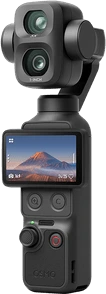
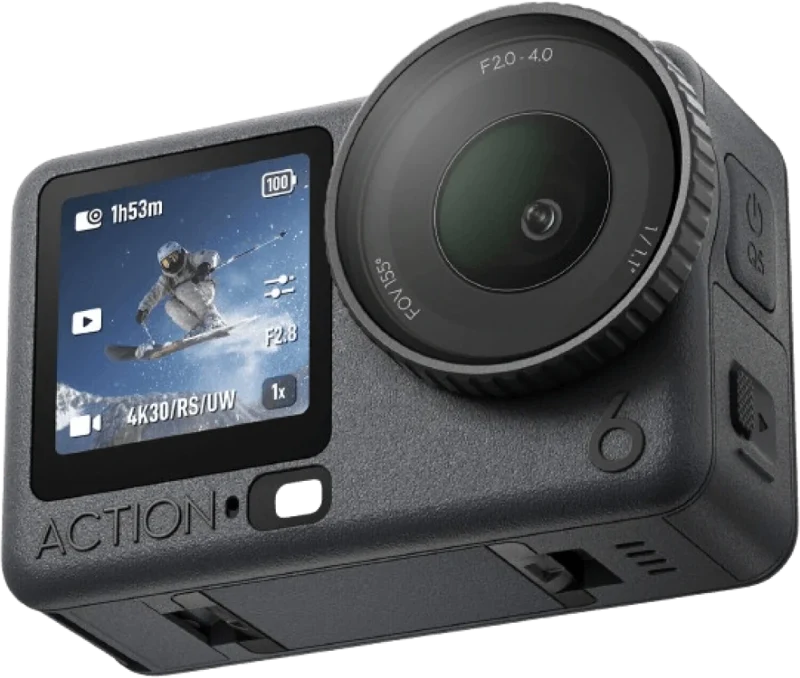
MG LUT PACK V1 · D-LOG M
Flat footage to cinematic, in one click.
8 LUTs for Osmo Pocket 3 and Osmo Action 6. Drag the image to see the difference.
 Premiere Pro
 DaVinci Resolve
 CapCut
 Final Cut Pro
Flat footage? Sorted.
Everything you need to grade Osmo footage in one click.
Osmo cameras
D-Log M footage from Pocket 3 and Action 6.
ready-made moods
Clean to Black & White.
click to apply
DJI Rec.709 first, then MG LUT.
.cube for every app
A standard file that popular editors read, PC, Mac and phone.
Premiere ProDaVinci ResolveCapCutFinal Cut ProCommercial use
Client and brand videos too. Just don't share the LUT files.
Half original, half MG LUT.
Left is the original D-Log M footage, right is after MG LUT. The number is the suggested intensity.
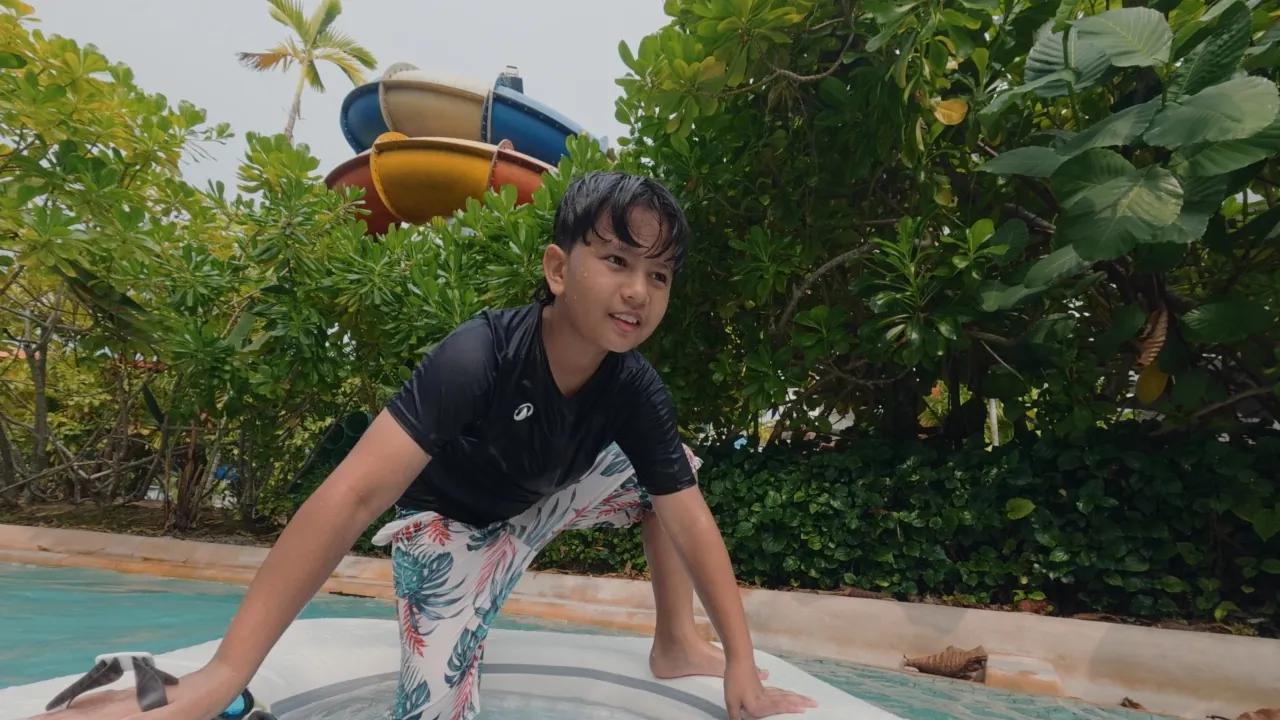
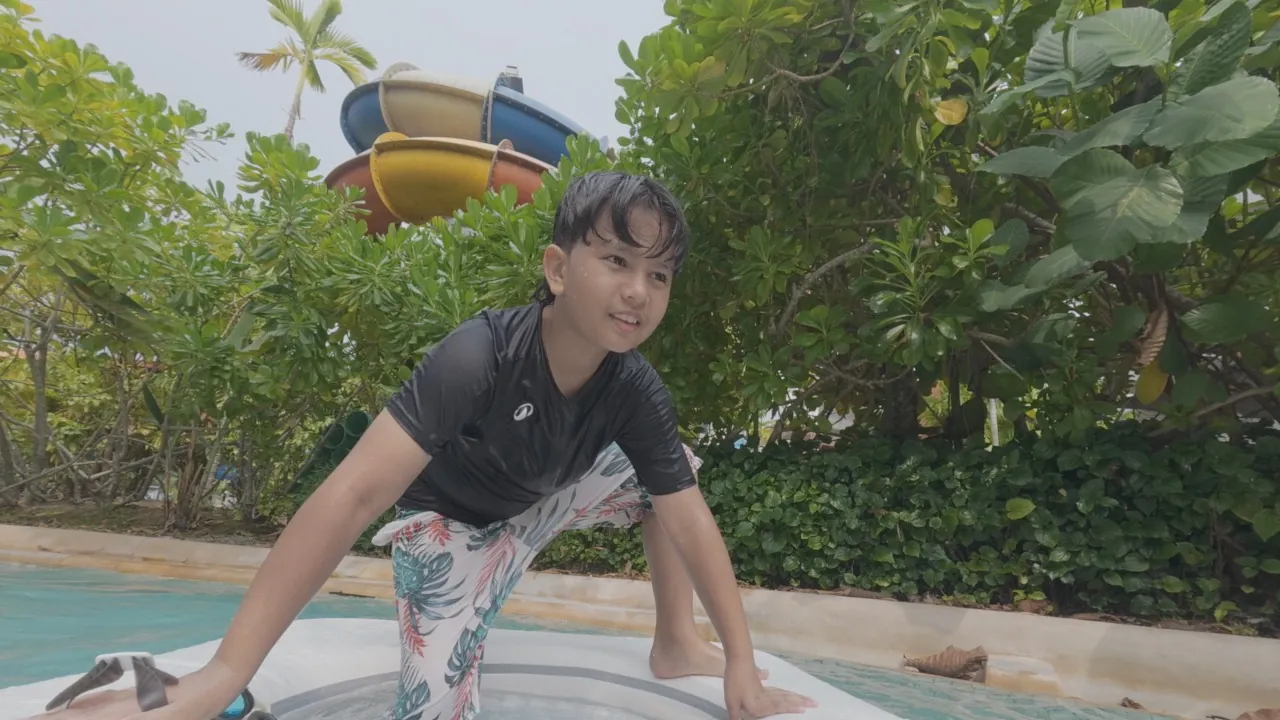 ORIGINALMG
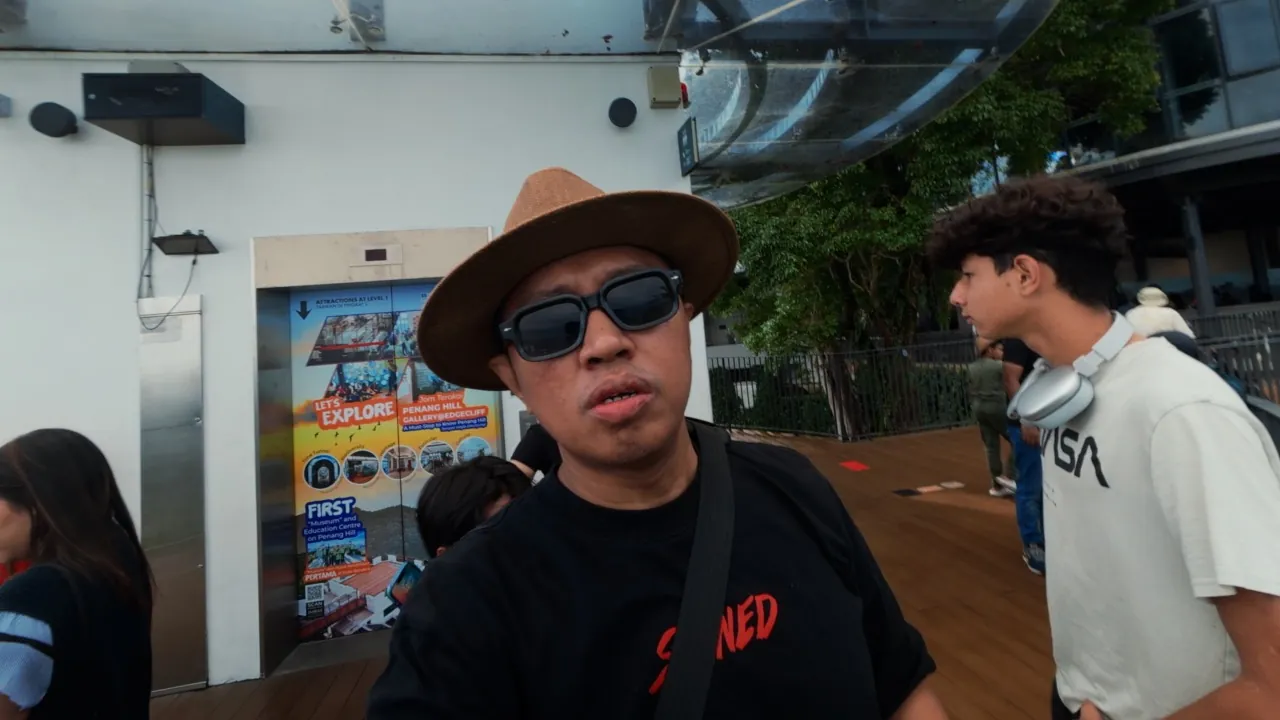
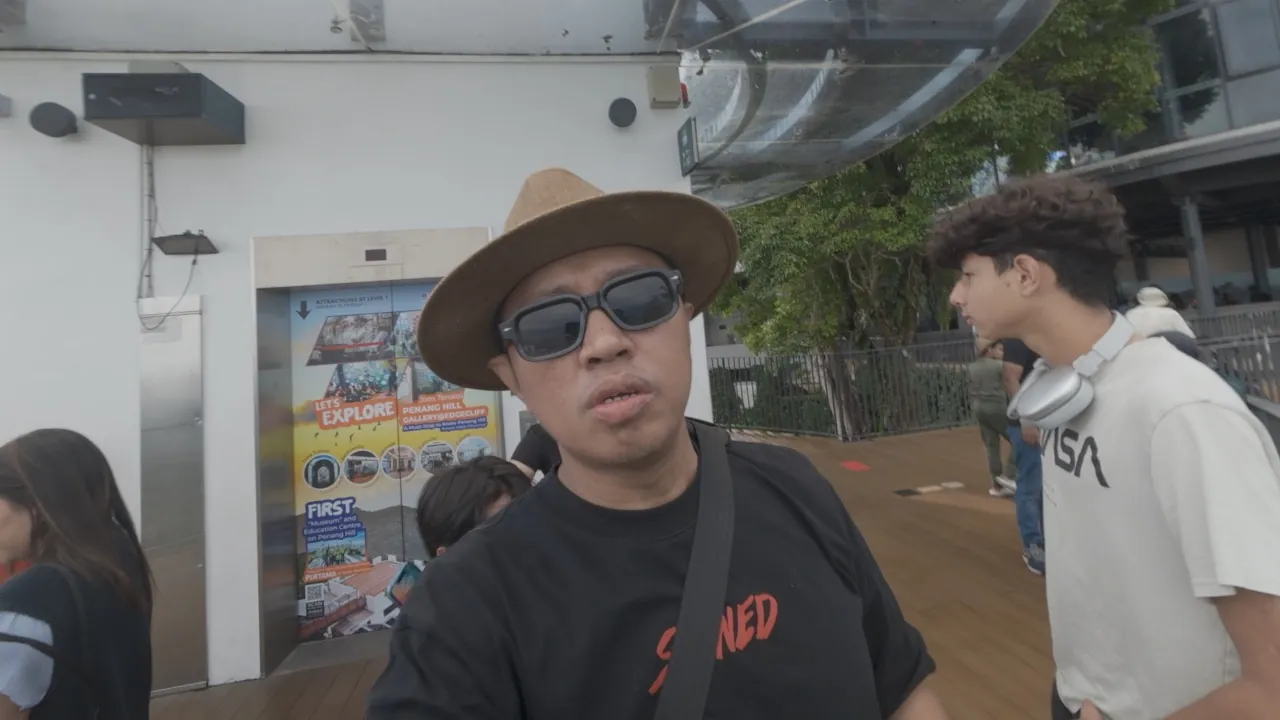 ORIGINALMG
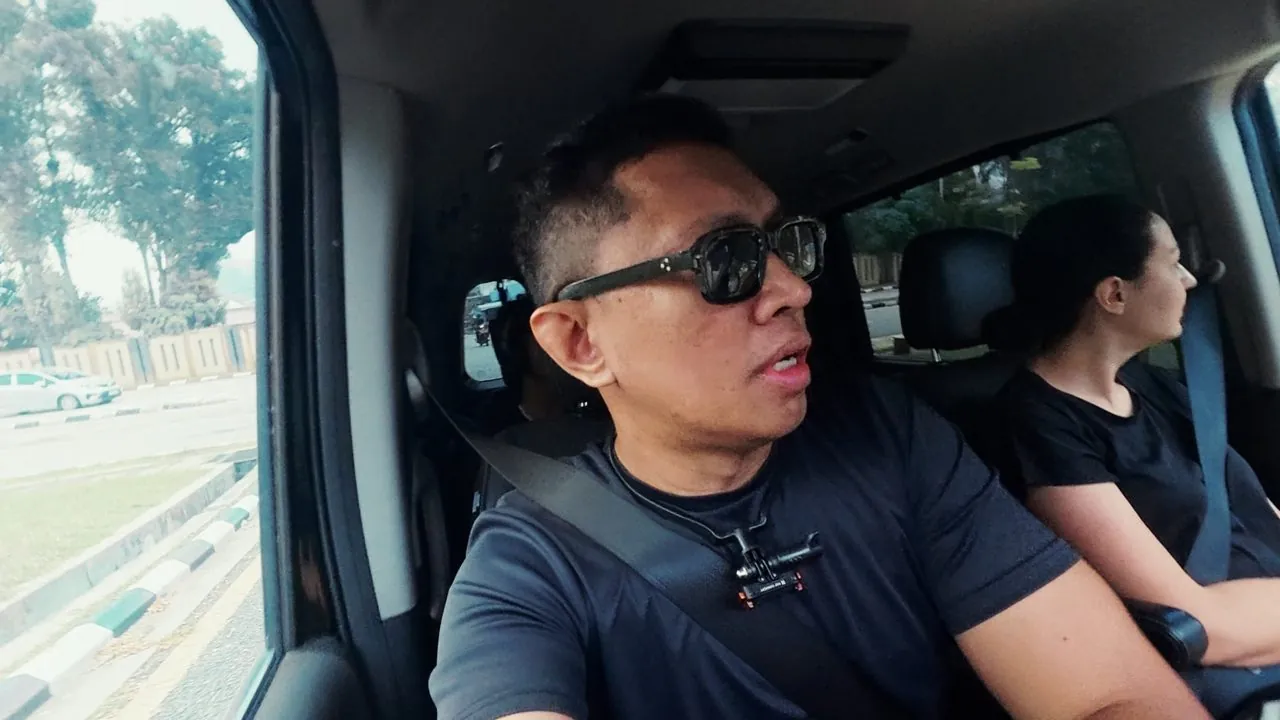
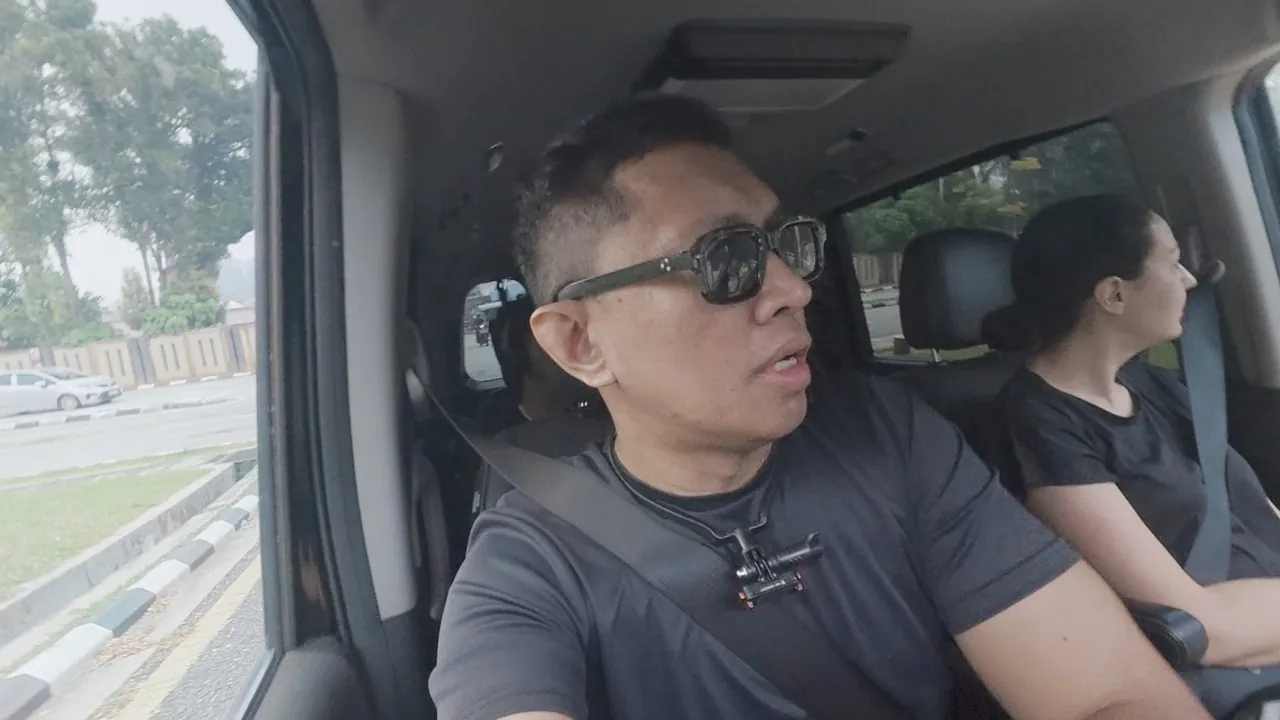 ORIGINALMG
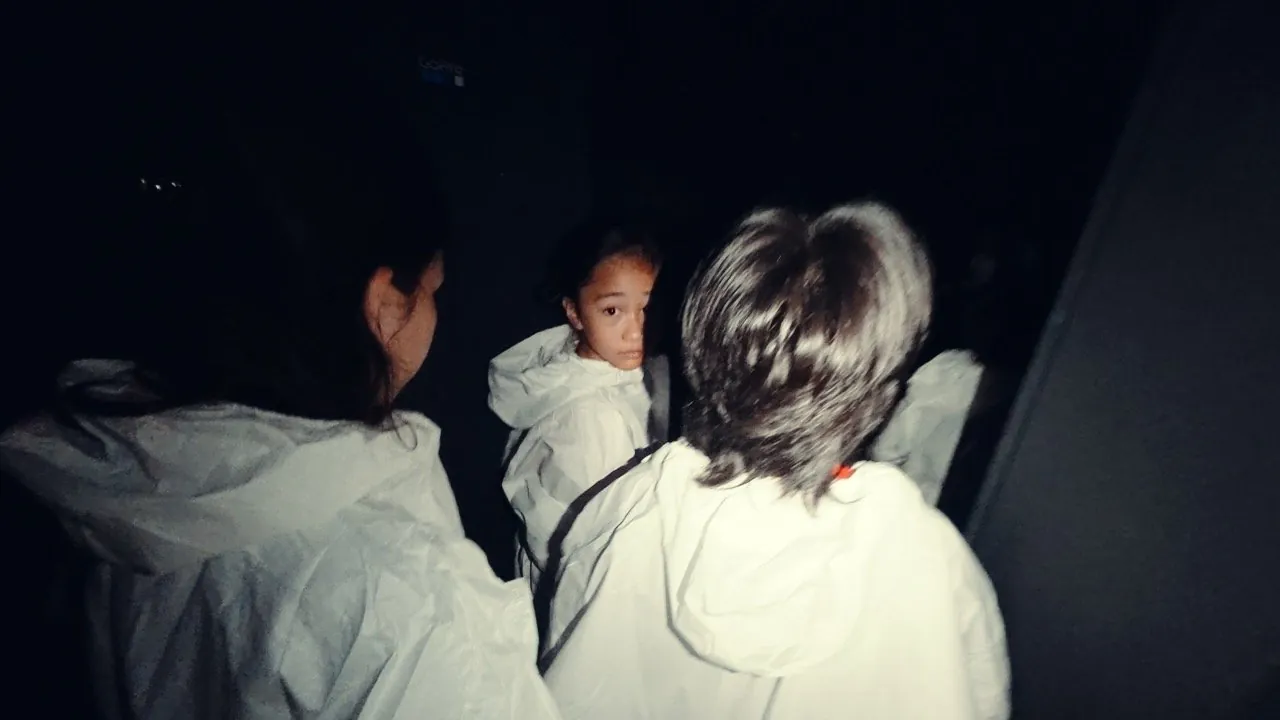
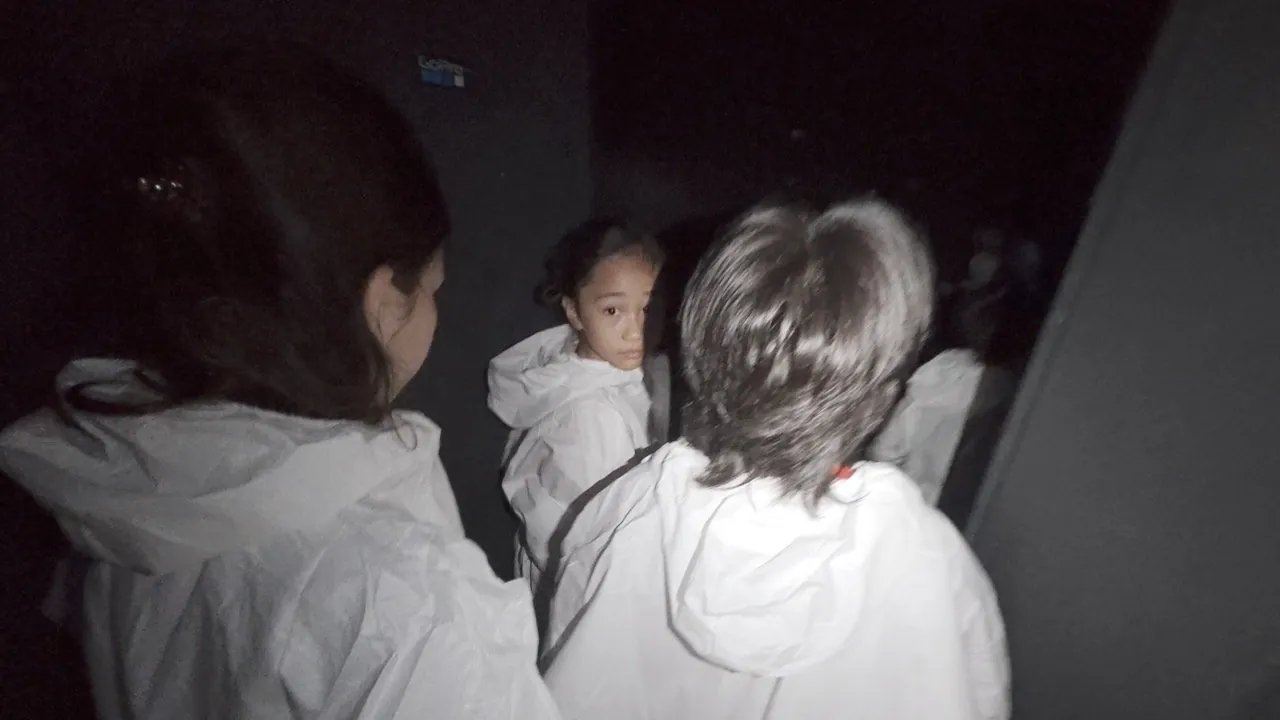 ORIGINALMG
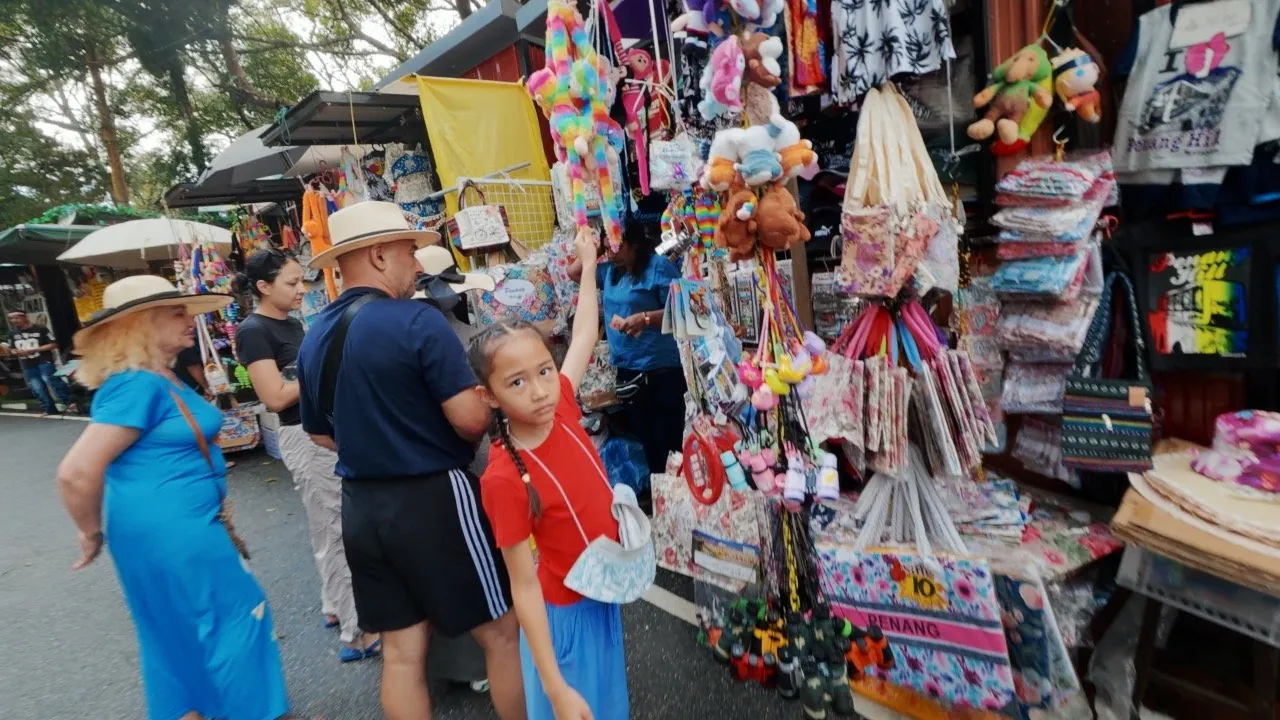
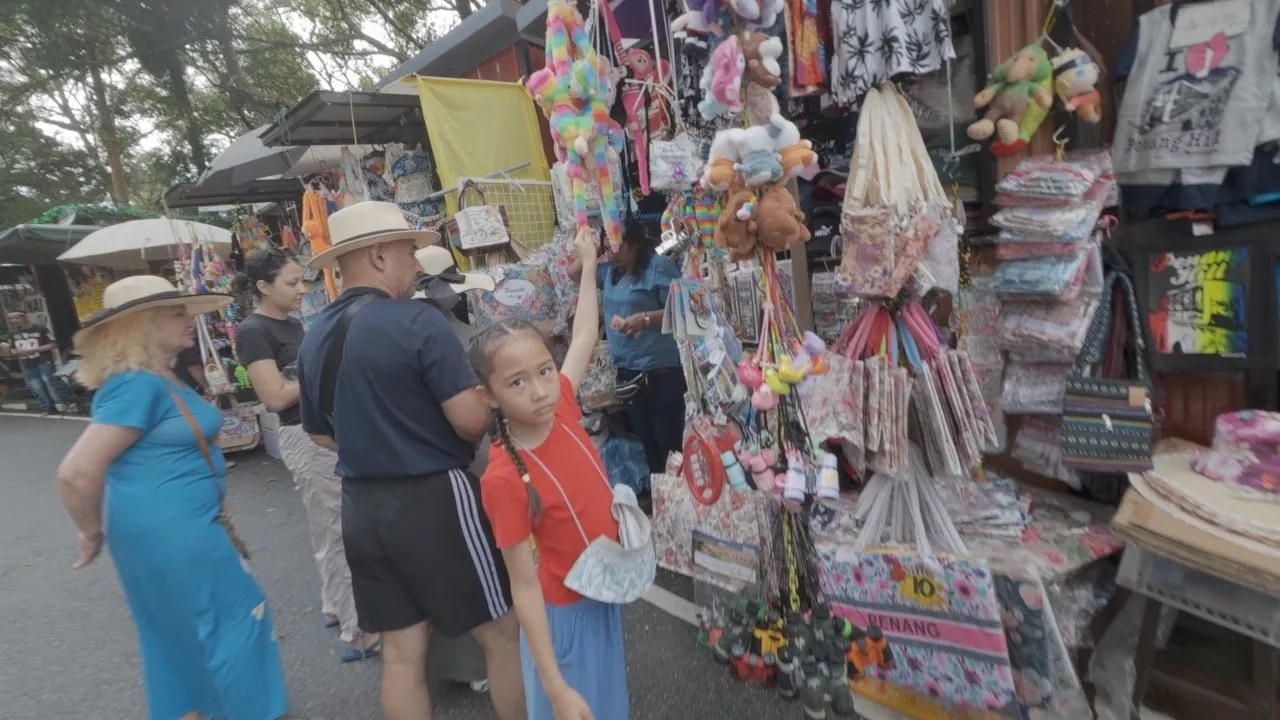 ORIGINALMG
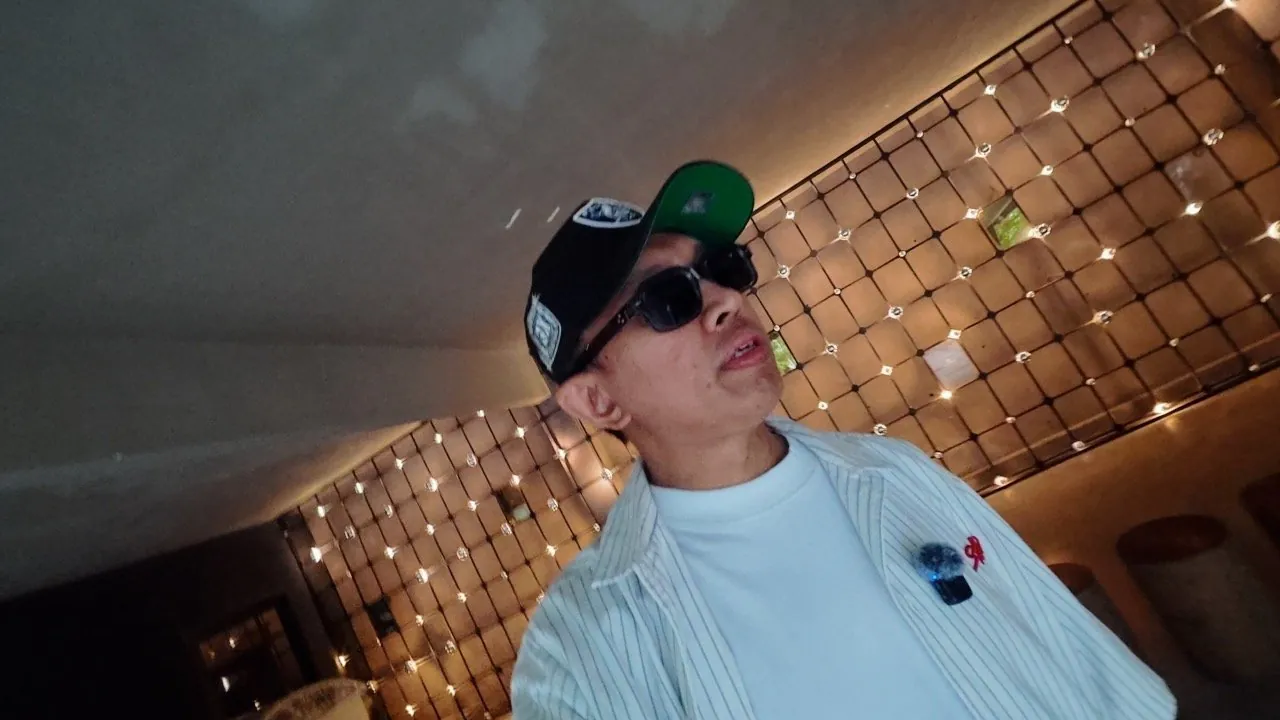
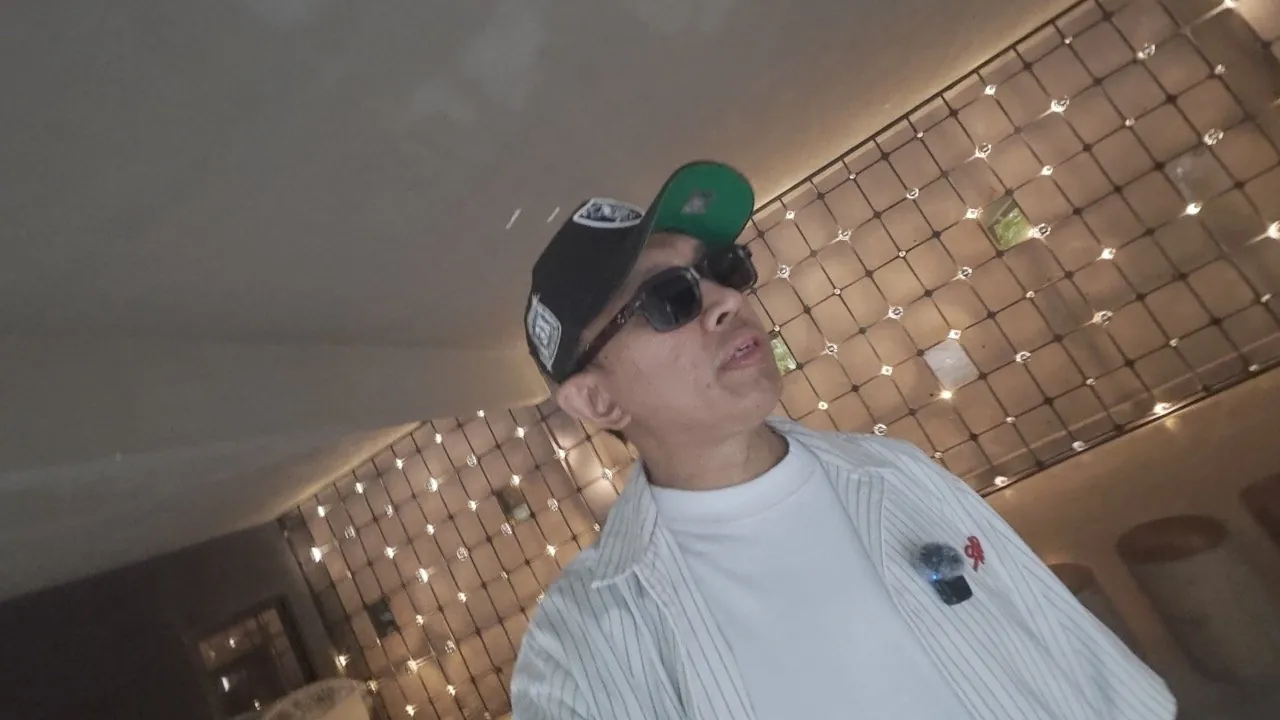 ORIGINALMG
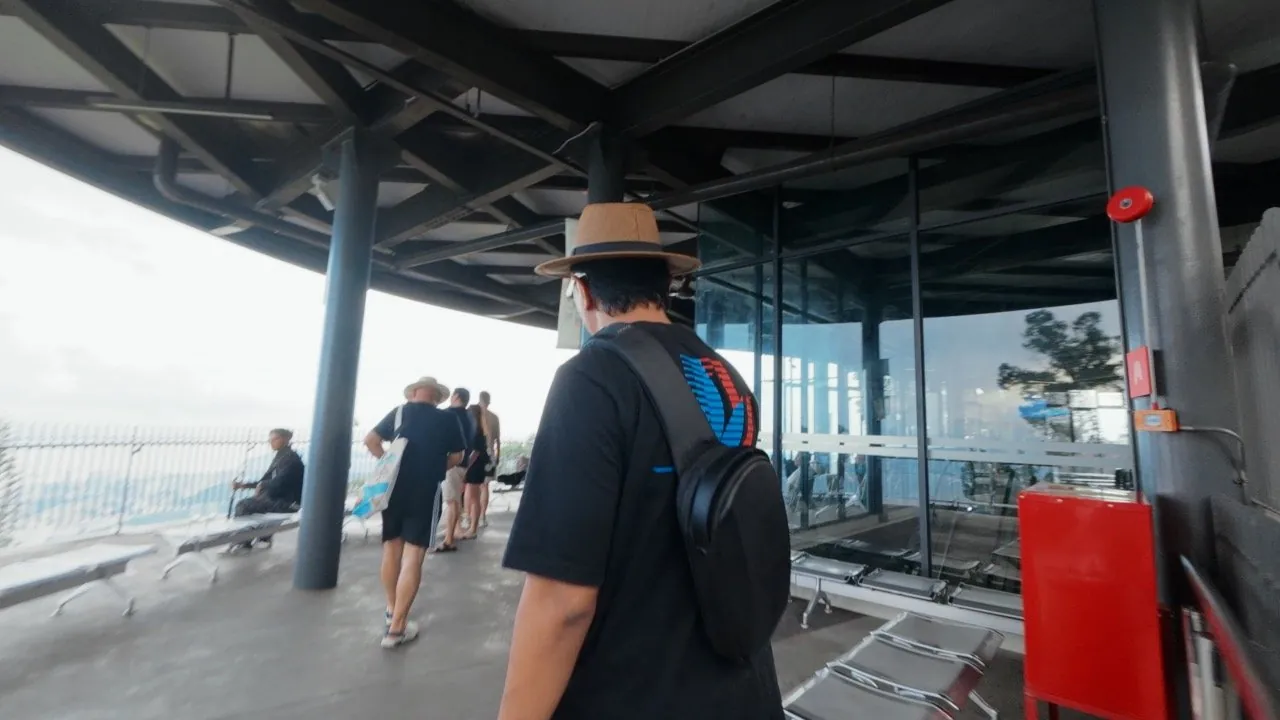
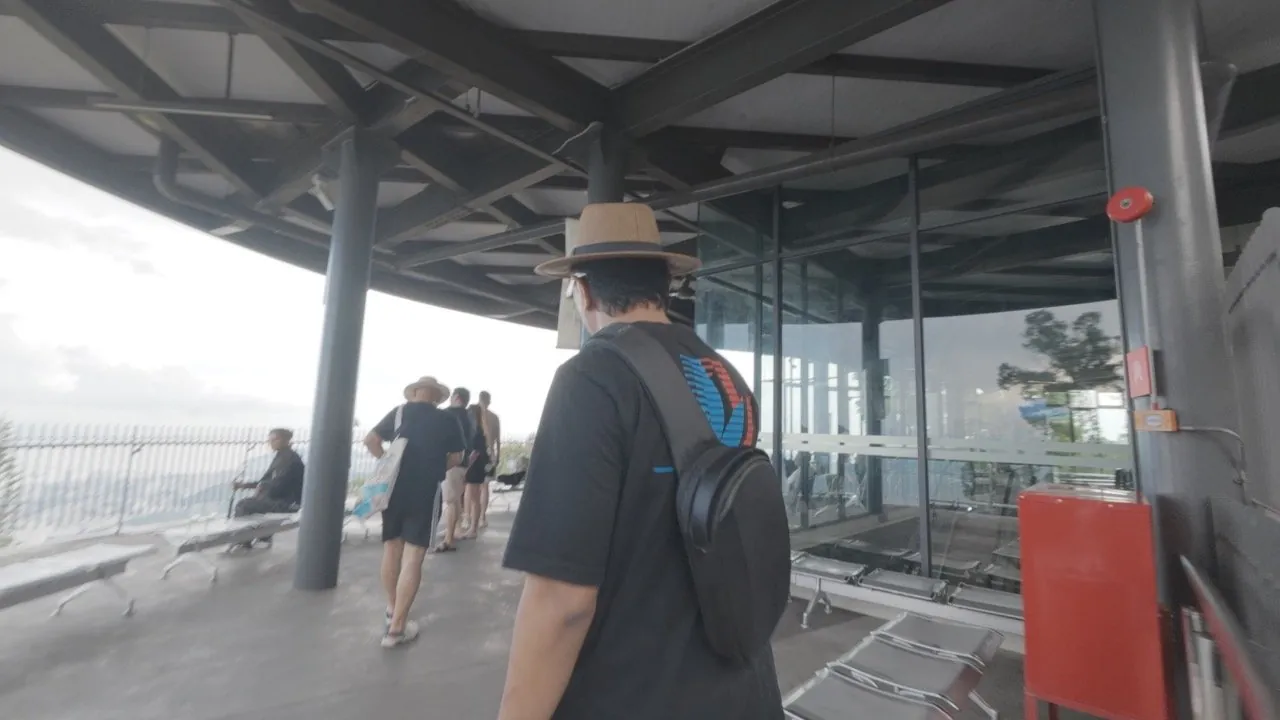 ORIGINALMG
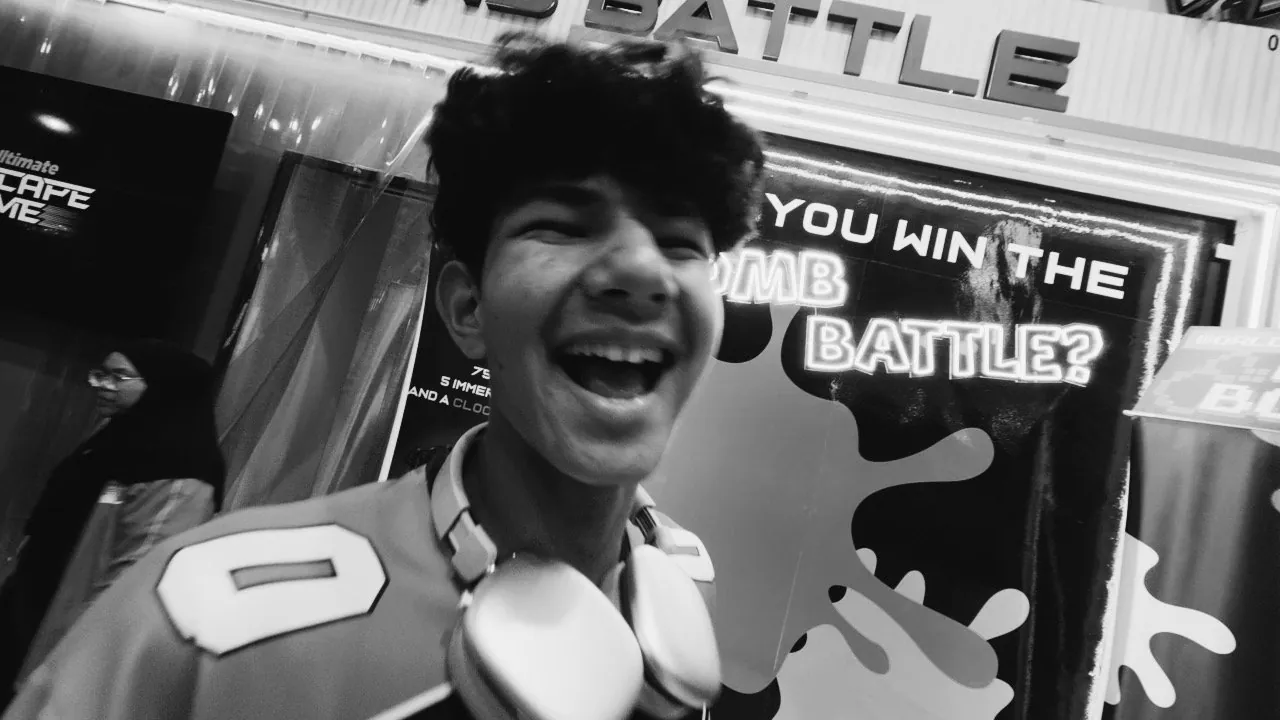
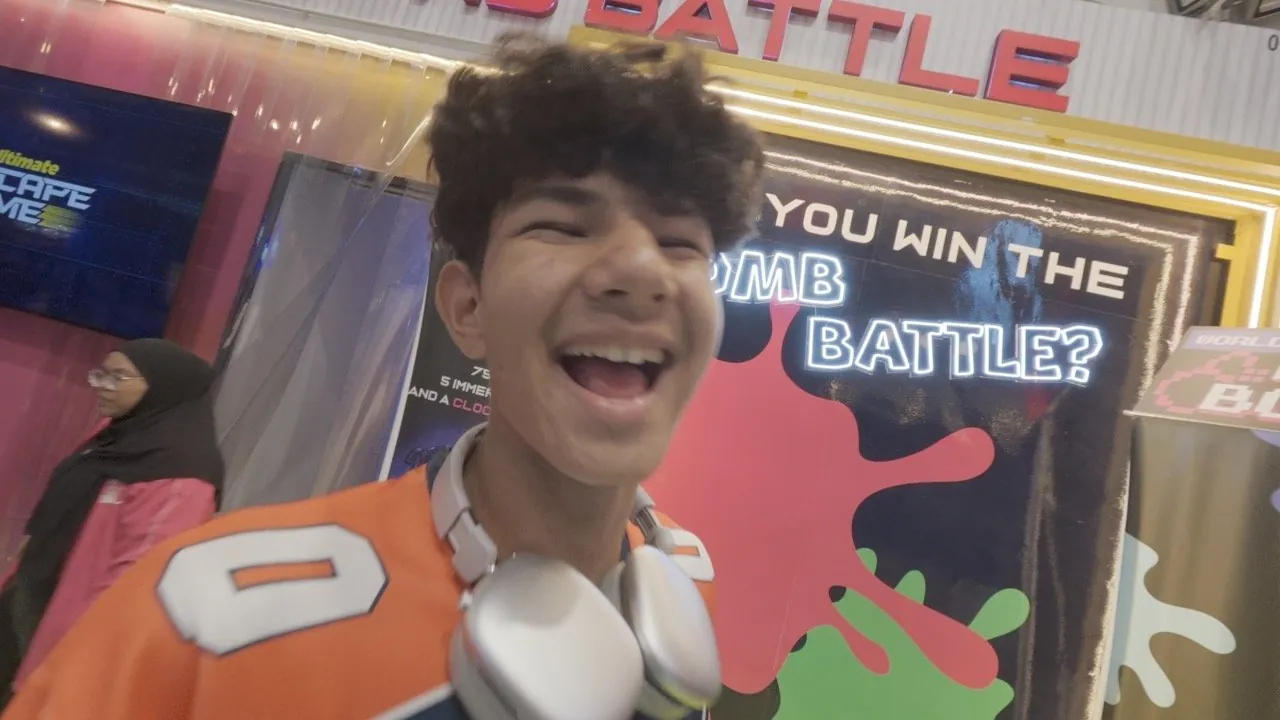 ORIGINALMG
See it in video.
All eight MG LUTs on real D-Log M footage, 38 seconds.
Three steps, done.
No colour grading skills needed.
Shoot in D-Log M
Set your camera to D-Log M and record as usual.
Apply the DJI Rec.709 LUT
Download the D-Log M to Rec.709 LUT from the official DJI site, then apply it first.
Apply MG LUT
Pick a mood, set the intensity to taste and export. The suggested numbers above are a good start.
Pay once, use forever.
- 8 MG LUTs, .cube format
- PDF install guide for 9 editors, BM and EN
- Personal and commercial projects
- Download link straight to your email
- 7 days of help, refund if it doesn't fit
Pay with FPX or DuitNow QR via Billplz. Your download link is emailed right after payment.
Common questions.
Which cameras does it work with?
D-Log M footage from Osmo Pocket 3 and Osmo Action 6. Apply the DJI Rec.709 LUT first, then MG LUT.
Is the DJI Rec.709 LUT included?
No. Download it straight from the official DJI site (links in step 2) so you always get the latest version.
Can I use it for client or commercial work?
Yes. Just don't resell or share the LUT files themselves.
What if it doesn't work for me?
Reach me through the contact page within 7 days of purchase. I'll help, and if it still isn't a fit, you get a refund.