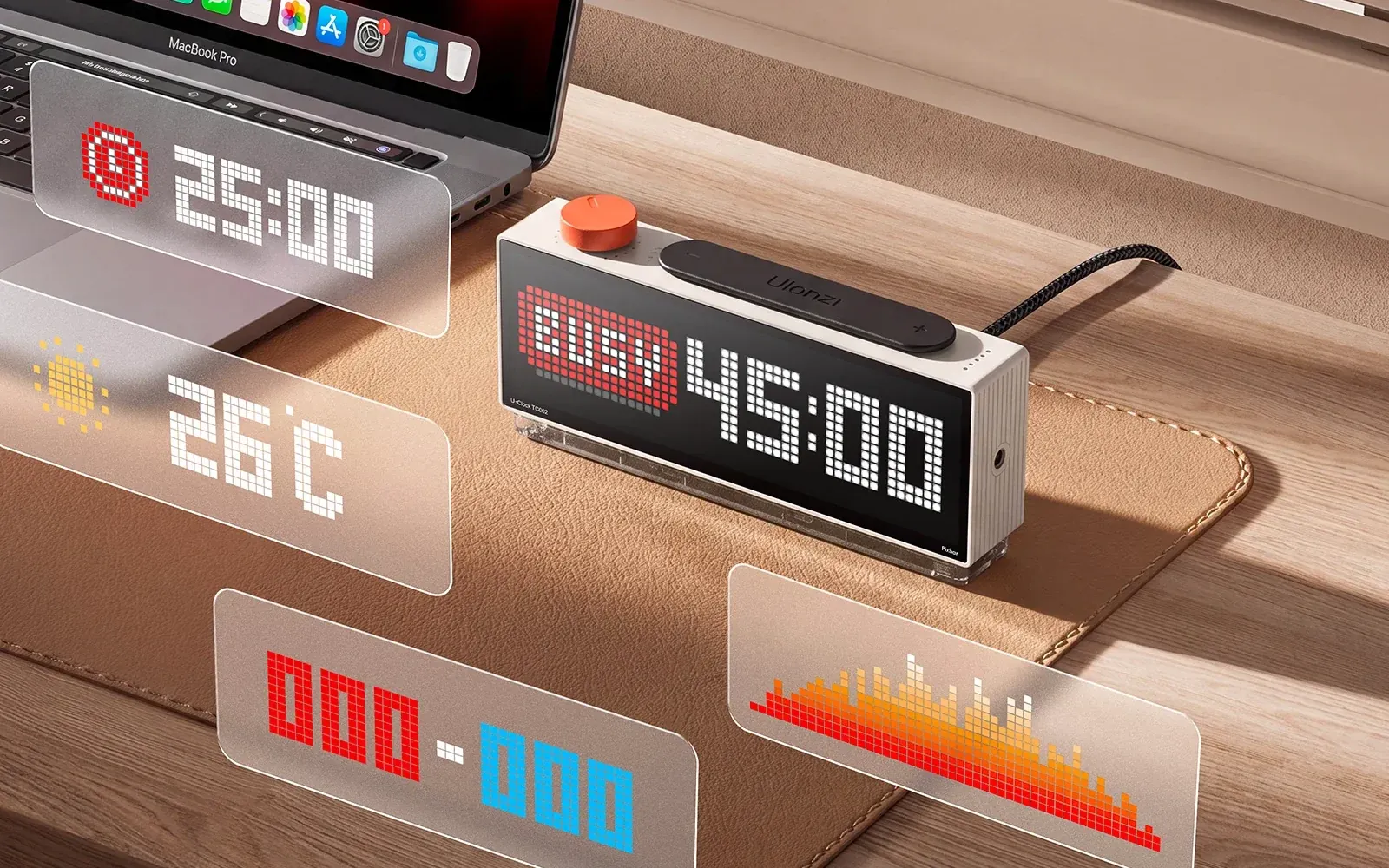
Something new just landed on my desk: the Ulanzi U-Clock II Pixbar (TC002). It's the second generation of Ulanzi's smart pixel clock, and this time the screen is much bigger and sharper.
What is the Pixbar?
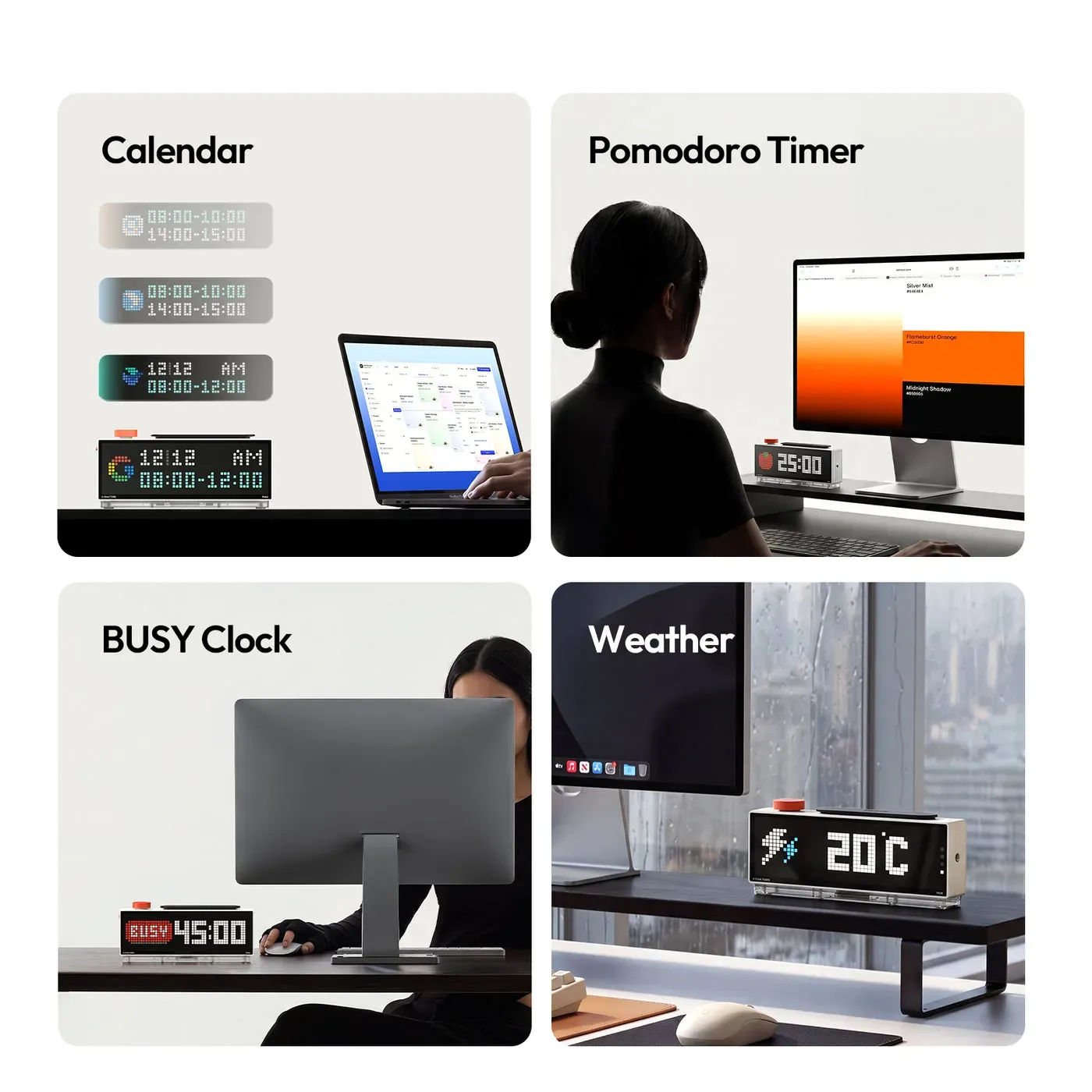
Simply put, it's a desk clock with a retro-style LED pixel screen. But it's not just a clock. Besides the time, it can show the weather, a calendar, a Pomodoro timer, a social media follower counter and pixel art you make yourself. For creators, or anyone who loves a nice desk setup, it's a great fit.
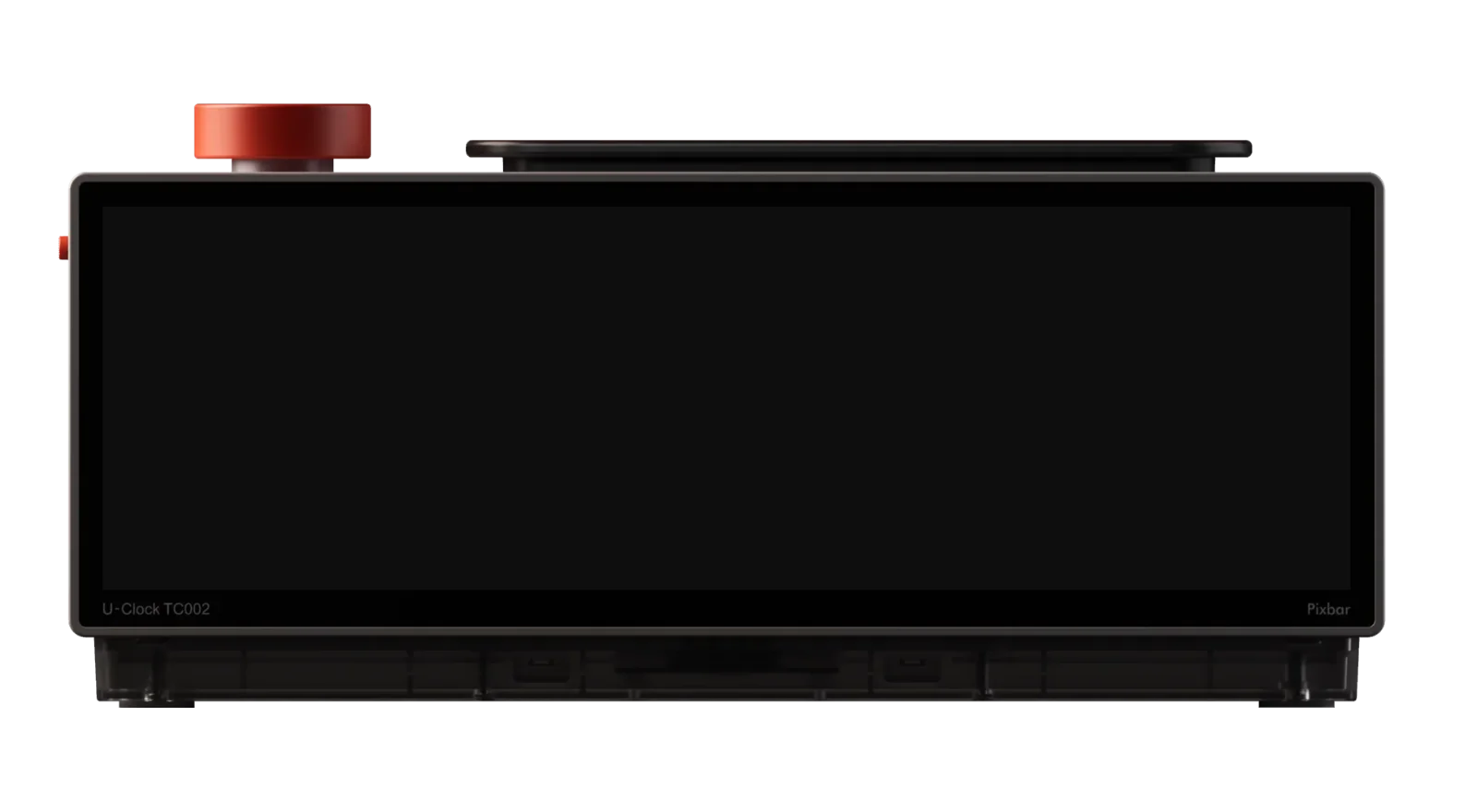
16x52 screen, 832 LEDs
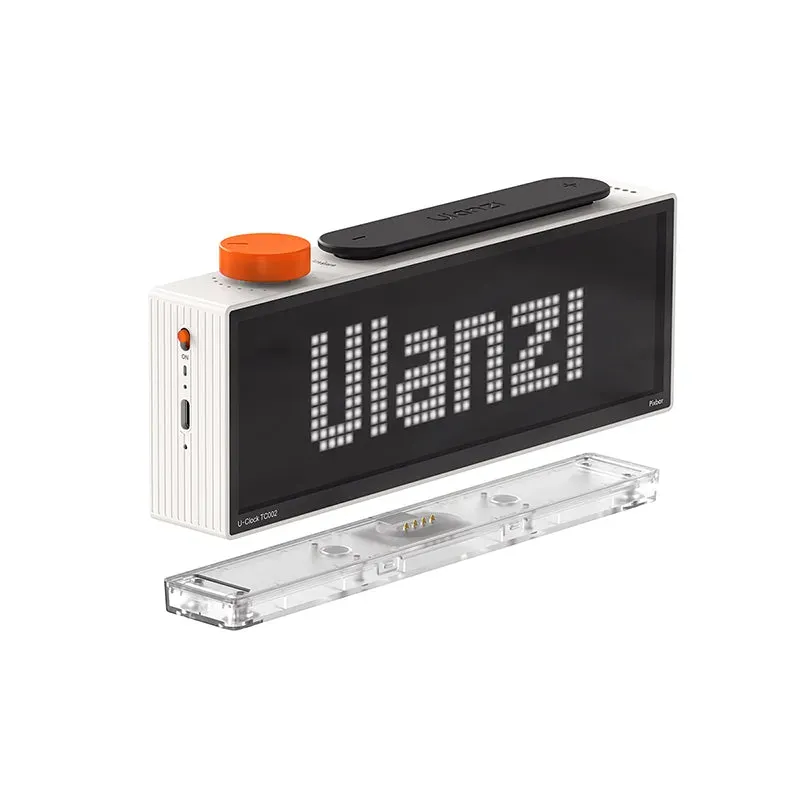
This is the biggest upgrade over the first generation (TC001). The TC002 screen has a 16 x 52 pixel grid, 832 LEDs in total. The TC001 was only 8 x 32 (256 pixels), so the TC002 has more than three times the pixels. Text and animations look much clearer.
9 built-in tools
Ulanzi says there are over 9 built-in tools. These include:
- Clock and calendar
- Weather
- Focus or Pomodoro timer
- Scoreboard
- Sound-reactive light
- A "BUSY" display so people know you're occupied
There's a knob and shortcut buttons on top to switch modes quickly.
A follower counter for creators
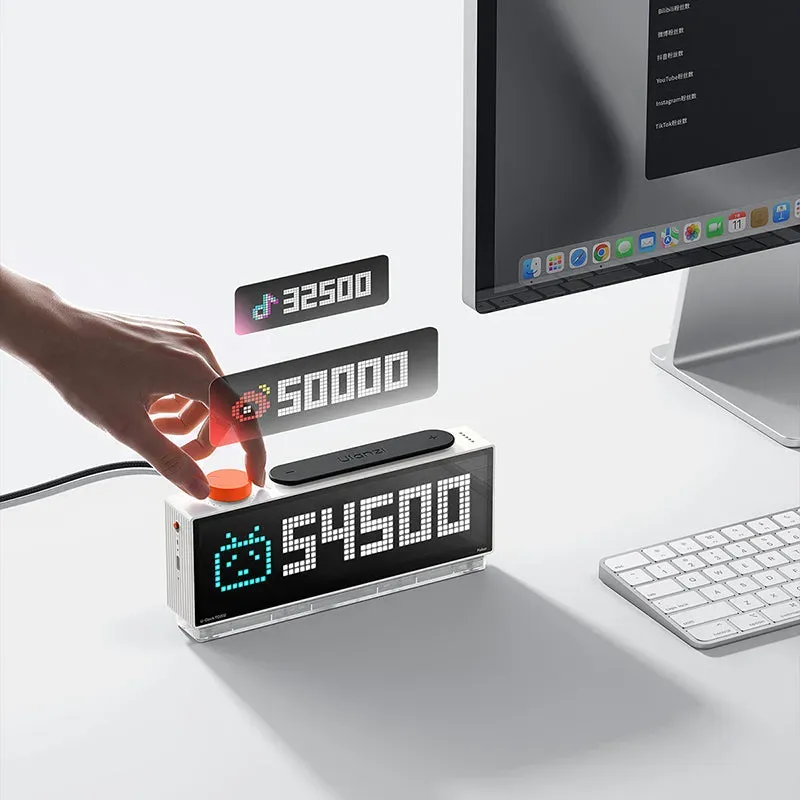
This is the part that caught my eye. The Pixbar can show your follower count live and celebrate milestones. Ulanzi says it supports more than 6 social media platforms. Put it on your desk while filming and it looks great in frame.
PixelGrid and open source
You can draw your own pixel art with PixelGrid, or download other people's creations from the community. For tinkerers, the Pixbar supports MQTT and HTTP, has an open-source GitHub project, and can connect with smart home devices like Mi Home, Philips Hue, Nanoleaf and Govee. Everything is managed through the Ulanzi Studio app on Windows and macOS.

Magnetic dock and battery
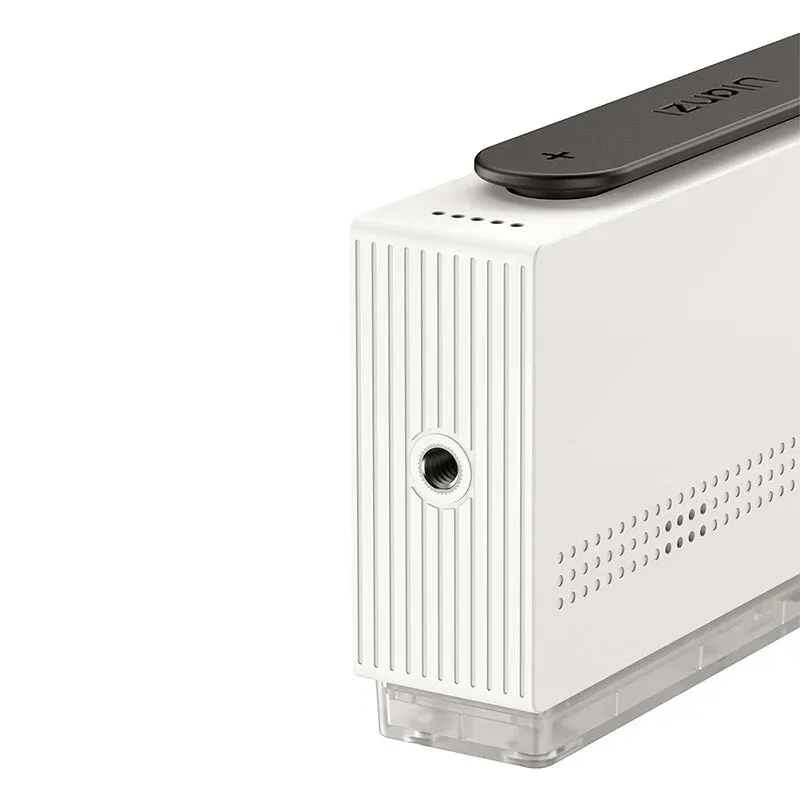
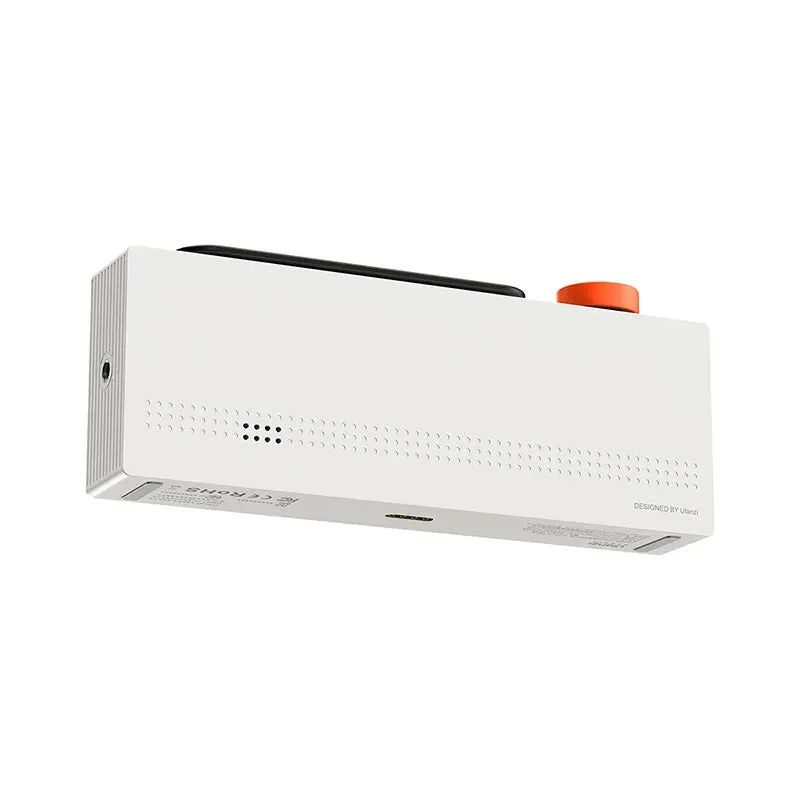
The Pixbar sits on a magnetic charging dock and can be detached to take anywhere. There's also a 1/4-inch screw hole, so you can mount it on a tripod or arm. The battery is 3,600mAh, charged via USB-C or the dock.
Keep in mind the battery is more for short cordless use. Ulanzi's official German distributor quotes roughly 2 hours at maximum brightness. For daily use, just leave it on the dock.
Specs
- Screen: 16 x 52 pixels, 832 LEDs
- Size: 20.5 x 3.3 x 8.5 cm (without dock)
- Weight: about 380g (421g with dock)
- Battery: 3,600mAh (13.32Wh)
- Input: 5V 3A, USB-C or magnetic dock
- Connectivity: 2.4GHz Wi-Fi, Bluetooth 5.2
- In the box: Pixbar, charging dock and manual
Price and where to buy
On Shopee Malaysia, I found the Ulanzi TC002 Pixbar at RM449.90, and when I checked there was a 10% discount bringing it to about RM404.82. On Ulanzi's official site it's US$139.99, currently discounted to US$109.95. Prices may change with promotions.
Check the Ulanzi TC002 Pixbar price on Shopee
I'll be unboxing this and doing a full setup on my work desk. I'll update with what's great and what's not. Want me to show you the follower counter live? ⏰
Images: Ulanzi. Sources: Ulanzi, Ulanzi TC001 vs TC002, Ulanzi Germany.